Get it

Download the manager

Your whole UI
one click away

Install addons, clone a complete setup — profiles, keybindings, macros and graphics — then back it up and revert anytime. Share your config with a friend in a click.

⏳ Checking versions…
OS: Windows 10 / 11
What it does

Everything for a perfect UI, handled

One tool to install addons and carry a full, working configuration between characters and accounts.

Show what it does

Install addons

Copies the whole addon set into Interface/AddOns. Existing addons are never overwritten without asking.

Clone full settings

Brings over addon profiles (Bartender4, WeakAuras, Gladdy…), keybindings, macros and the enabled-addon list.

Graphics & resolution

Optionally applies Config.wtf so resolution, UI scale and sound match too.

Safe backups & revert

A full WTF backup is taken before every change. Roll back and forth between snapshots — nothing is ever auto-deleted.

Create & share config

Export your character’s exact setup into a single .ham file and send it to a friend.

Safe folder check

Validates your WoW folder (WTF + Interface) — works with private-server clients too — and blocks actions while WoW is running, so nothing gets corrupted.

A look inside

Screenshots

Show screenshots
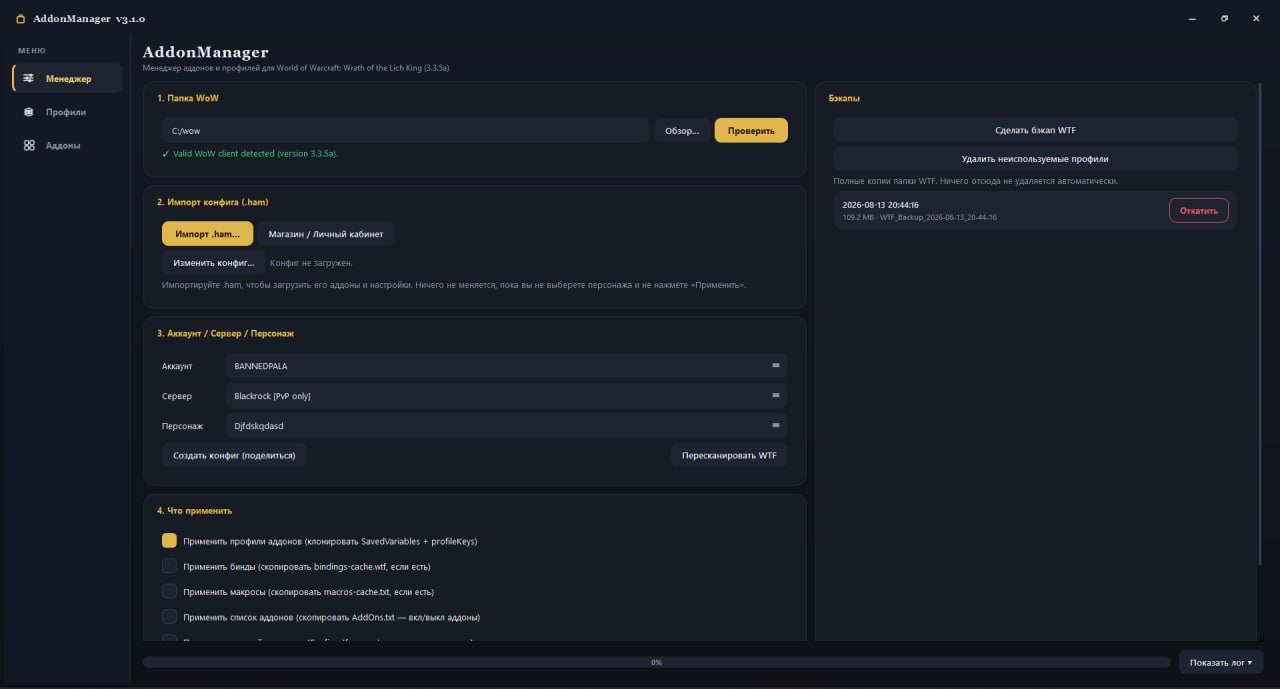
Main window
Main windowPath validation, import, target character and actions
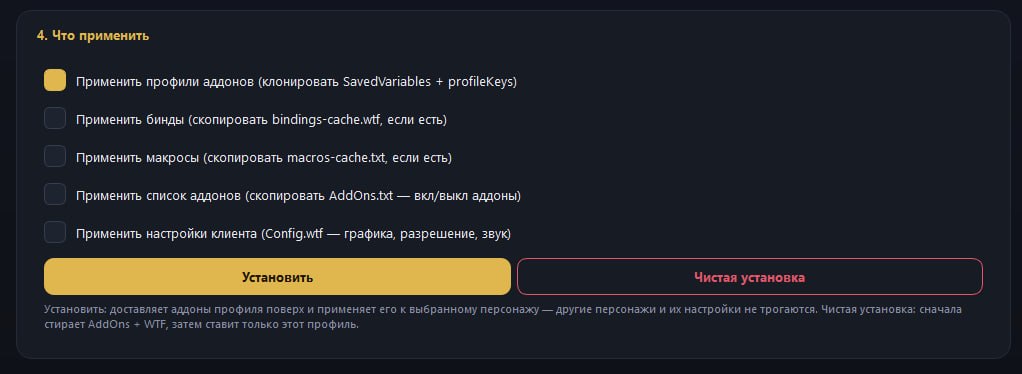
Action checkboxes
ActionsInstall Addons gates profiles, keybinds, macros & graphics
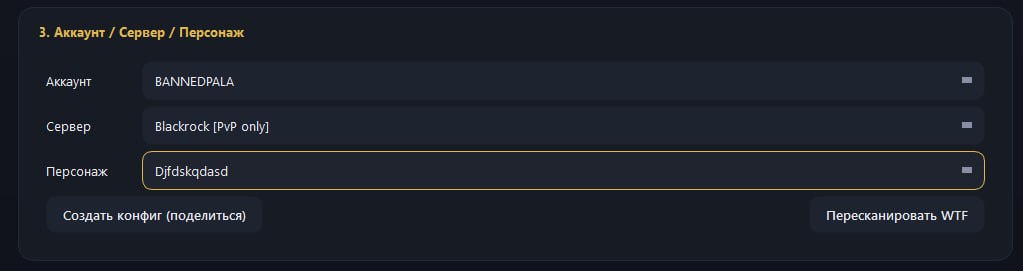
Create Config
Create ConfigExport your character into a shareable .ham file
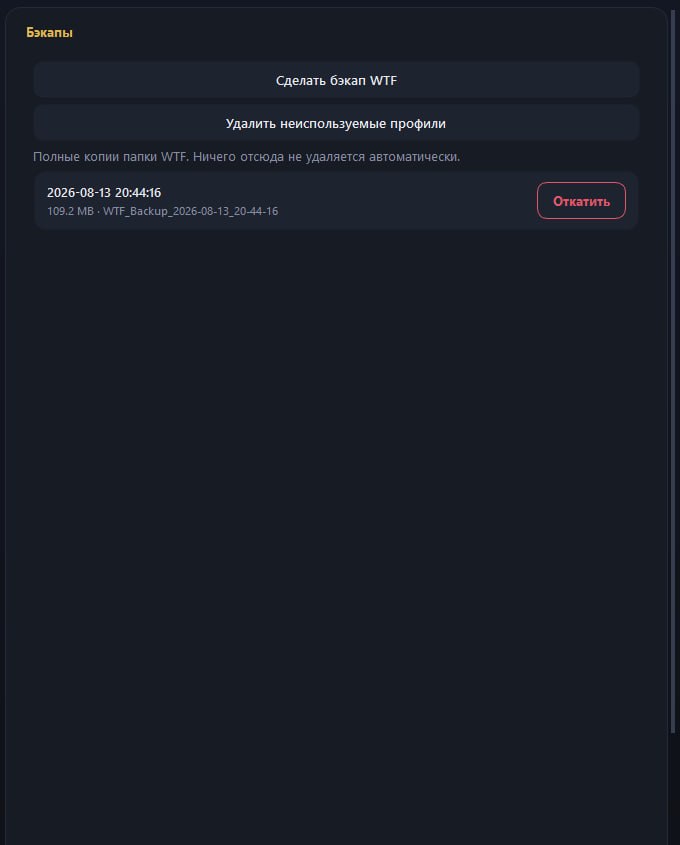
Backups and revert
Backups & revertEvery change is snapshot; restore any point in time
Two minutes

Import my profile

Get my exact UI on your own character.

Download & run — grab the .exe (RU or EN) below and open it (no install).
Select your WoW folder — point it at your 3.3.5a folder and press Validate.
Import the .ham — press Import .ham file… and pick the profile you downloaded above.
Pick your character — choose your Account / Server / Character.
Tick & apply — enable Install Addons + the parts you want (profiles, keybinds, macros, Config.wtf) and press Backup & Apply.
Grab Download my profile (.ham) in the download section, then Import it in step 3.

Tip: close WoW before applying — the game rewrites its config on exit and would undo the import.

Creators

Our team

Support

Support the project

Catch the stream live and help keep the project going.